This documentation is for the HubSpot Tabber With Navigation Bar Module created by Hermitcarbs team
CONTENT FIELDS
- Enable custom tag selectors boolean to use id and class field.
- Add Section Id and Class selector according to requirements.

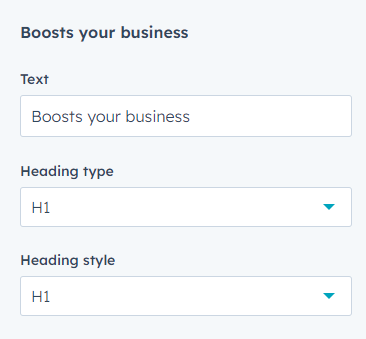
- Enable heading boolean to use heading field.
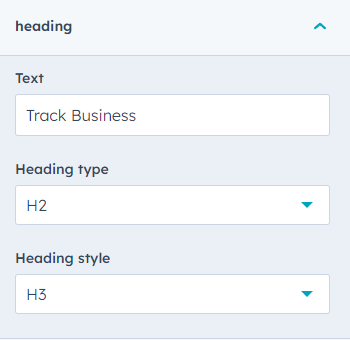
- Add heading using heading type and heading style.
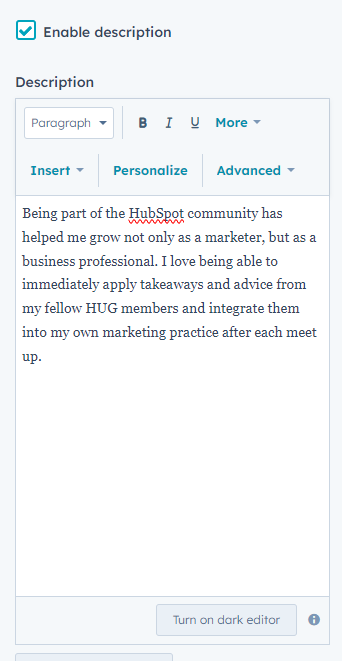
- Enable Description boolean to use Description field.
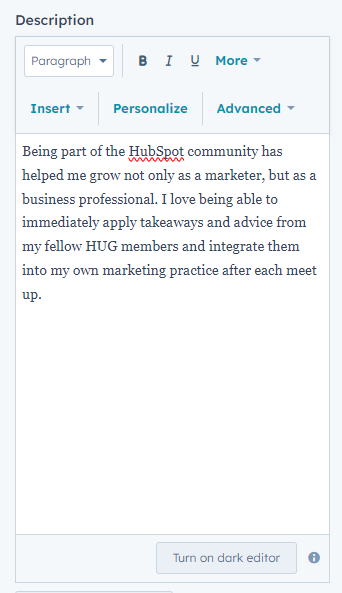
- Add the Description you want to show using the rich text field.
- STYLE FIELDS
- Add Backgound with multipal option (Color only, Image with overlay, and Gradient)

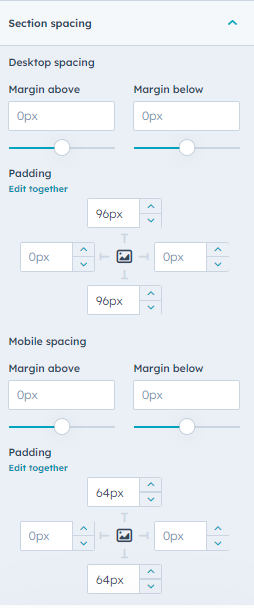
- Add Spacing of the section
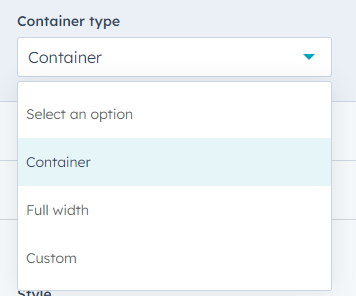
- Choose Container type
- Typography style
-
- Choose heading color
-
- Choose description color
-
TAB FIELDS
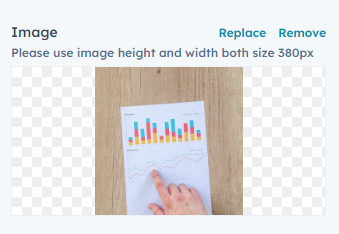
- Image: Choose your tab image
- Add Title for the tab item.
- Description: Add Description for defining the tab item.
- STYLE FIELDS
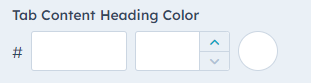
- Choose heading color
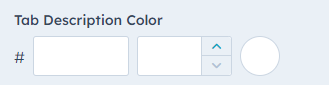
- Choose description color
Tab Buttons
- Add Button Text
- STYLE FIELDS
- Choose Button Text color.
- Choose Button border color.
- STYLE FIELDS